
If you are new to Bus Simulator 2026: Bus Game, start with the basic passenger missions and driving-school challenges before attempting harder parking tasks. The Google Play listing describes city routes, passenger pick-up and drop-off, bus parking, multiple camera views and an intelligent traffic system.
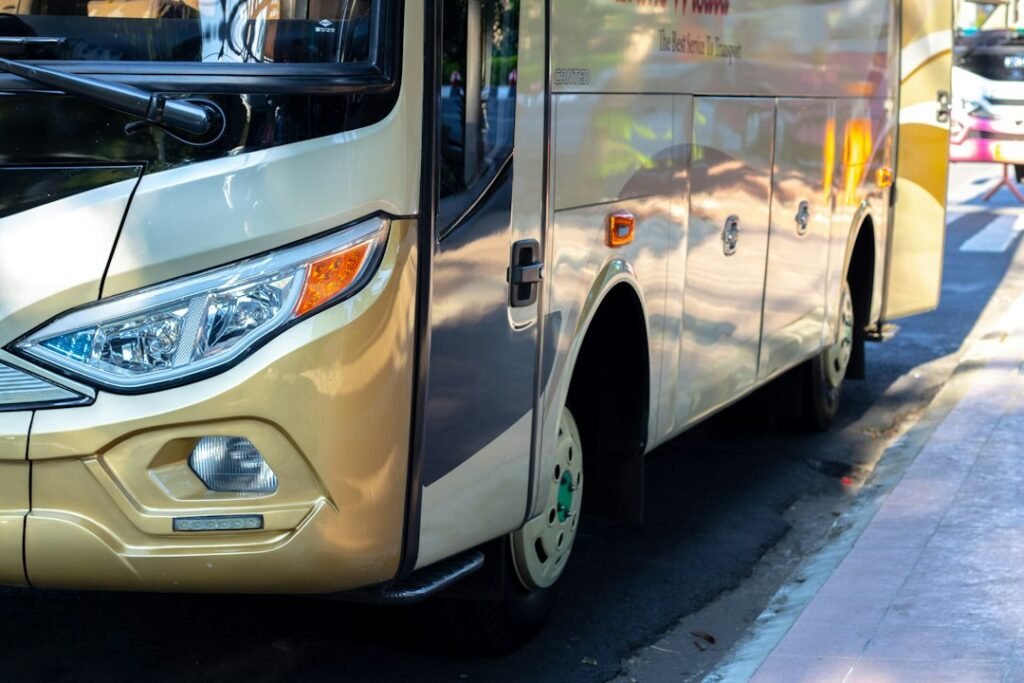
The featured bus photo is illustrative, not a screenshot of the mobile game.
1. Learn the steering before driving fast
Use a slower pace while you learn how far the bus turns and how much room it needs. Make small steering movements and begin braking earlier than you would in a small car. Sudden corrections can push the bus out of position or make a tight turn harder.
2. Focus on passenger missions
Read the objective before starting a route. Approach stops carefully, line up the bus and avoid rushing the final few metres. Smooth driving makes it easier to follow the route and complete the task without unnecessary mistakes.
3. Practise parking separately
Parking challenges are easier when you use short movements. Slow down, check the camera view and make small corrections. If the bus is at an awkward angle, stop and reposition rather than turning sharply at the last moment.
4. Use camera views strategically
The store listing advertises multiple camera views. Use the view that gives you the clearest picture of the road while driving, and switch to a wider view when manoeuvring into a tight stop or parking space if the game allows it.
5. Respect traffic and watch intersections
The developer describes an intelligent traffic system and driving challenges. Reduce speed near intersections, leave room between vehicles and watch for turns. If a route goes wrong, concentrate on regaining control instead of accelerating to make up time.
6. Check compatibility and updates
Use the official Google Play listing for current app information. If you experience crashes or control problems, restart the game, free up device storage and check for updates through the store.
7. Know which game you are installing
Bus Simulator 2026: Bus Game is a separate Android title from Bus Simulator: Ultimate and Bus Simulator Indonesia. Read the developer name before installing so you do not mistake one game’s screenshots or features for another’s. You can also read our guides to Bus Simulator: Ultimate controls and Bus Simulator Indonesia.
FAQ
What should a beginner play first?
Start with basic passenger transport or driving-school missions, then practise parking.
Can I change the camera?
The official listing advertises multiple camera views; available options depend on the current game version.
Where can I check the latest details?
Use the official Google Play listing and the developer’s current release information.
Image credit: Hobi industri via Unsplash. Image is illustrative.