
Bus Simulator: Ultimate is a coach-driving and transport-company simulation from Zuuks Games. It combines long-distance driving with route planning, passenger service and business management. This guide explains what the game offers, what to check before installing it on Android, and how to troubleshoot common problems. We are an independent guide site and are not affiliated with Zuuks Games.
Last reviewed: 29 October 2026. App versions, device requirements, regional availability and download sizes can change. Confirm current details on the official Google Play listing before installing.
Quick facts
| Game | Bus Simulator: Ultimate |
|---|---|
| Developer | Zuuks Games |
| Genre | Bus driving and transport management simulation |
| Platform covered here | Android |
| Price | Check the store listing; the game may include ads and in-app purchases |
| Official Android source | Google Play |
What makes the gameplay different?
The main loop is not just steering a coach from one point to another. You drive passenger routes, make stops, respond to road traffic and use the income from trips to develop a virtual transport business. That combination may appeal to players who enjoy both driving games and management systems.
Driving and route decisions
Controls include different ways to steer, so it is worth trying the available options in a low-pressure trip before taking a longer route. Brake early, leave room for turns, watch traffic and avoid sudden lane changes. A bus behaves differently from a small car, particularly when turning or slowing down.
Passenger service and company management
Passenger feedback, route operations, buses, employees and company expansion are part of the broader simulation. New players should learn the driving basics first, then explore the management screens and compare the cost of expanding with the income they can realistically earn in-game. Exact menus and balance values may change between updates.
Buses, environments and multiplayer
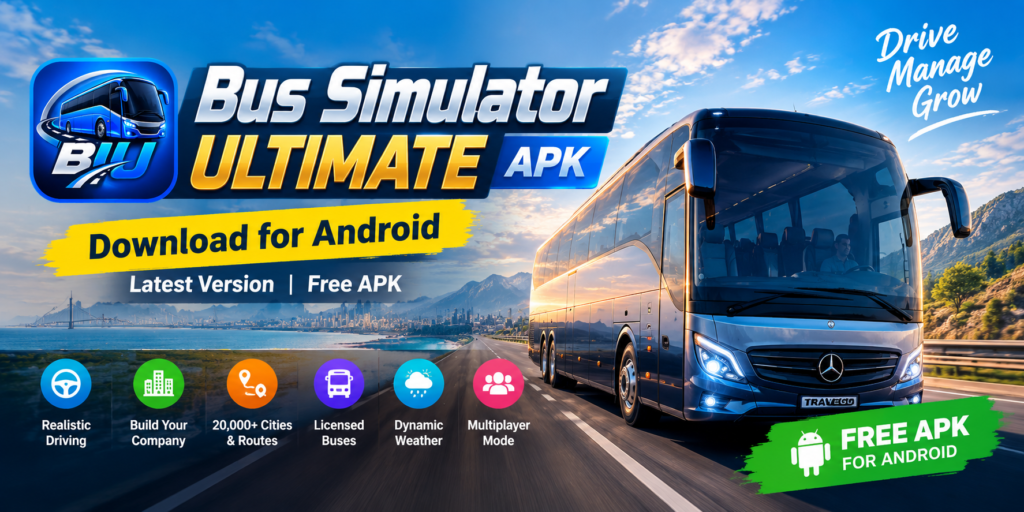
The game promotes licensed coach brands and different driving environments. Multiplayer features and available vehicles can change with updates, so use the current developer description for the definitive feature list rather than relying on old screenshots or copied lists from download sites.
How to check Android compatibility before downloading
There is no single RAM number that guarantees smooth performance on every phone. Android version, available storage, processor, graphics support, background apps and the amount of additional game data can all affect installation and gameplay. Before downloading:
- Open your phone’s Settings and check its Android version.
- Check the current Play listing for the minimum supported Android version and device compatibility.
- Keep more free storage than the initial download size if the game needs to download additional resources after installation.
- Use a stable Wi-Fi connection for large downloads and updates.
- Close demanding apps if the game stutters, and lower graphics settings if those options are available.
- Install system updates offered by your device manufacturer where practical.
The safest way to install the game
The recommended option is to open the official Google Play page, confirm that the developer is Zuuks Games, review compatibility, and tap Install if the listing is available for your device and region. This route also helps the store deliver updates for the installed app.
If you are considering an APK file from another website, understand that this is a third-party distribution and we cannot guarantee the file’s safety or authenticity. Check the publisher, package name, version, file integrity and requested permissions. Avoid installers that bundle unrelated apps, demand unnecessary permissions, or promise unlimited money and paid features for free. A modified file may be unsafe, may fail signature checks, or may put game progress at risk.
Common installation and performance problems
“App not installed”
Check that the download completed, that your device meets the current requirements and that sufficient storage is available. A conflicting app signature or attempting to install an older build over a newer one can also cause an error. Do not uninstall an existing game until you understand how your progress is saved and whether it can be restored.
The game crashes, freezes or shows a black screen
- Restart the phone and close other resource-heavy apps.
- Install available updates from the official store.
- Check free storage and your network connection if resources fail to load.
- If you clear app data or reinstall, first confirm whether your progress is backed up; these actions can remove local data.
- If the problem continues, record your phone model, Android version, game version and the exact error before contacting the developer.
Frequently asked questions
Who makes Bus Simulator: Ultimate?
The game is developed by Zuuks Games. Verify the publisher on the store listing before installing an app with a similar name.
Is Bus Simulator: Ultimate free?
Check the current store listing for pricing in your country. Free-to-install games can still contain advertisements or optional in-app purchases.
Can I install it on every Android phone?
No. Compatibility depends on the minimum Android version and device support specified by the current listing. Even a compatible phone may need extra storage and may perform differently depending on its hardware.
Should I download a MOD APK?
We recommend the official version. Modified APKs may be repackaged, may request unsafe permissions, may not receive official updates and can put your device or saved progress at risk.
More guides
For practical help, read our Android compatibility guide, driving controls guide, installation troubleshooting guide and older-version overview.
Editorial note: This article is an independent informational guide. We do not host or verify APK files on behalf of the developer. Check official sources for current availability, requirements and updates.


Pingback: Bus Simulator Indonesia + Bus Ultimate APK | Comparison Guide
Pingback: Bus Simulator 2026: Bus Game APK for Android — Features & Download Guide - Bus Simulator Ulimate APK
Pingback: Bus Simulator Ultimate APK 2.3.0 | Free Download for Android
Pingback: Bus Simulator Ultimate on PC: How to Play on Windows and Mac with an Emulator - Bus Simulator Ultimate APK